
Set up your store
Put your store on your own domain
Connect a domain you own, like yourstore.com, to your Storelib website. Checkout, sign in and order pages move with it.
Updated 1 min read
Your website starts at yourname.storelib.com. With Grow you can connect a domain you own, like fernandclay.com. Your storelib.com address keeps working too.
- Buy a domain from any domain company if you don't have one.
- In Storelib, open Settings and choose Domains. You can also get there from Website settings > Domains in the editor.
- Add your domain.
- At your domain company, add the DNS records Storelib shows you. Copy them exactly.
- Wait. The domain shows Waiting for DNS, then Securing while HTTPS is set up, then Connected.
Once it's connected, everything happens on your domain: your pages, sign in and the account pages, and checkout at yourstore.com/checkout, with its thank you page.
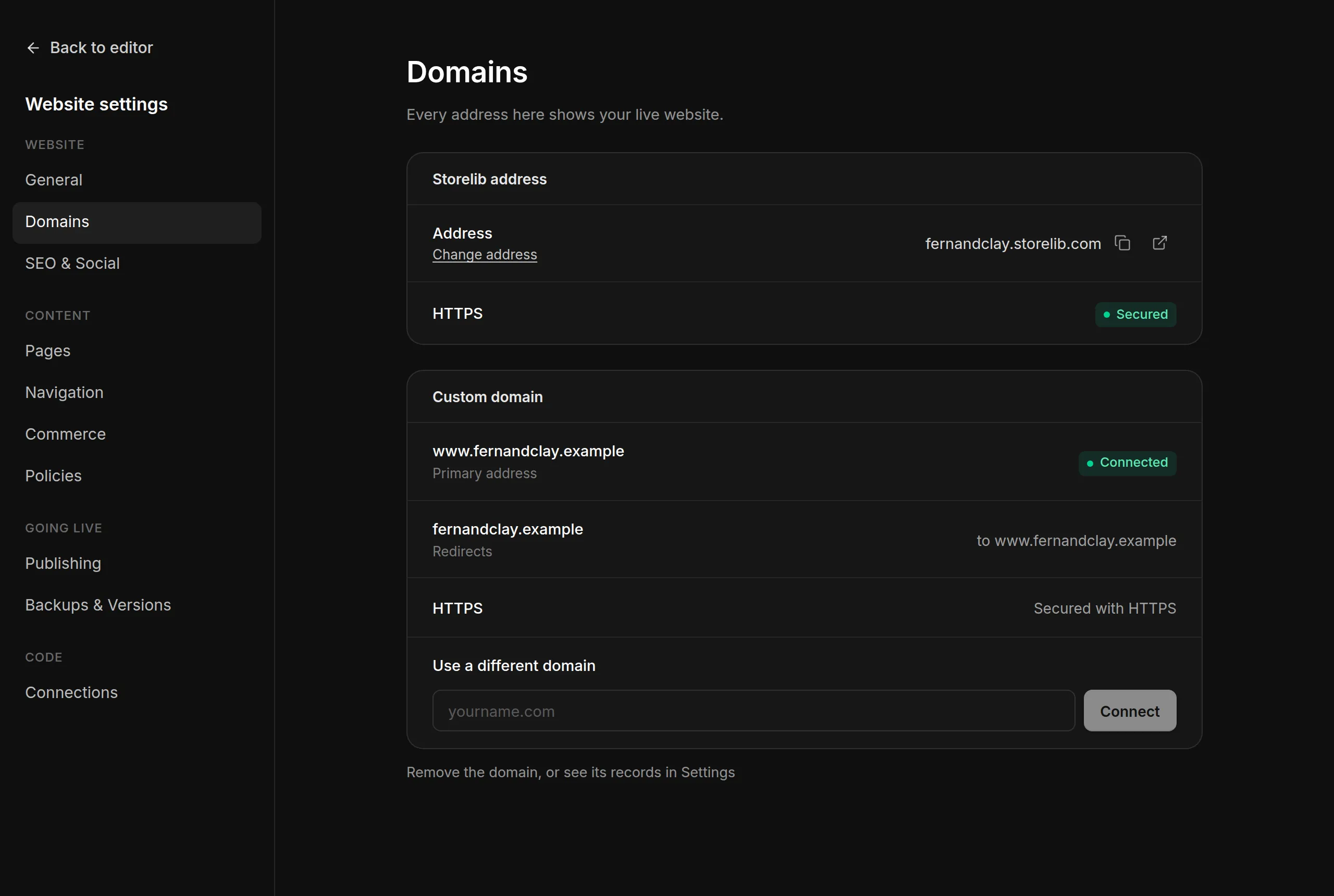
The records and what each one is: Connect your own domain.
Common mistakes
- An old A record left on @. It sends visitors somewhere else. Remove it.
- A typo in a record. Copy and paste instead of typing.
- Expecting it to work in a minute. DNS can take from a few minutes to a day.
More in Set up your store
- Store details: logo, name, contact email, country and currency
- Cash on delivery: take payment when the order arrives
- Checkout settings: what checkout asks for
- What buyers see at checkout
- Customer accounts on your website
- Sales channels: where your products are listed
Related articles
- Sell physical products on your websiteYour products, the cart and checkout are built into every Storelib website. Here's how to set them up and check them.
- Connect your own domainPoint a domain you own at your Storelib website. Part of the Grow plan.
- Store details: logo, name, contact email, country and currencyWhat buyers see on receipts, order emails and checkout, where your store is based and the currency it sells in. Set it once in Settings > Store details.
- Cash on delivery: take payment when the order arrivesLet buyers pay in cash when an order is delivered or picked up. Turn it on, choose where, add a fee or a note, and mark orders paid or refused.
Still stuck? Contact support and a person on the team replies by email. Selling on Storelib? Open a request from your dashboard.