
Shipping and delivery
Who ships it: fulfilment types
Ship it yourself, or use a fulfillment center, a supplier or print on demand: one answer for the store, and any product can have its own.
Updated 2 min read
On this page
Your store answers one question once, in Settings > Shipping and delivery: How you fulfil orders. Every product follows that answer. A product that ships another way can have its own.
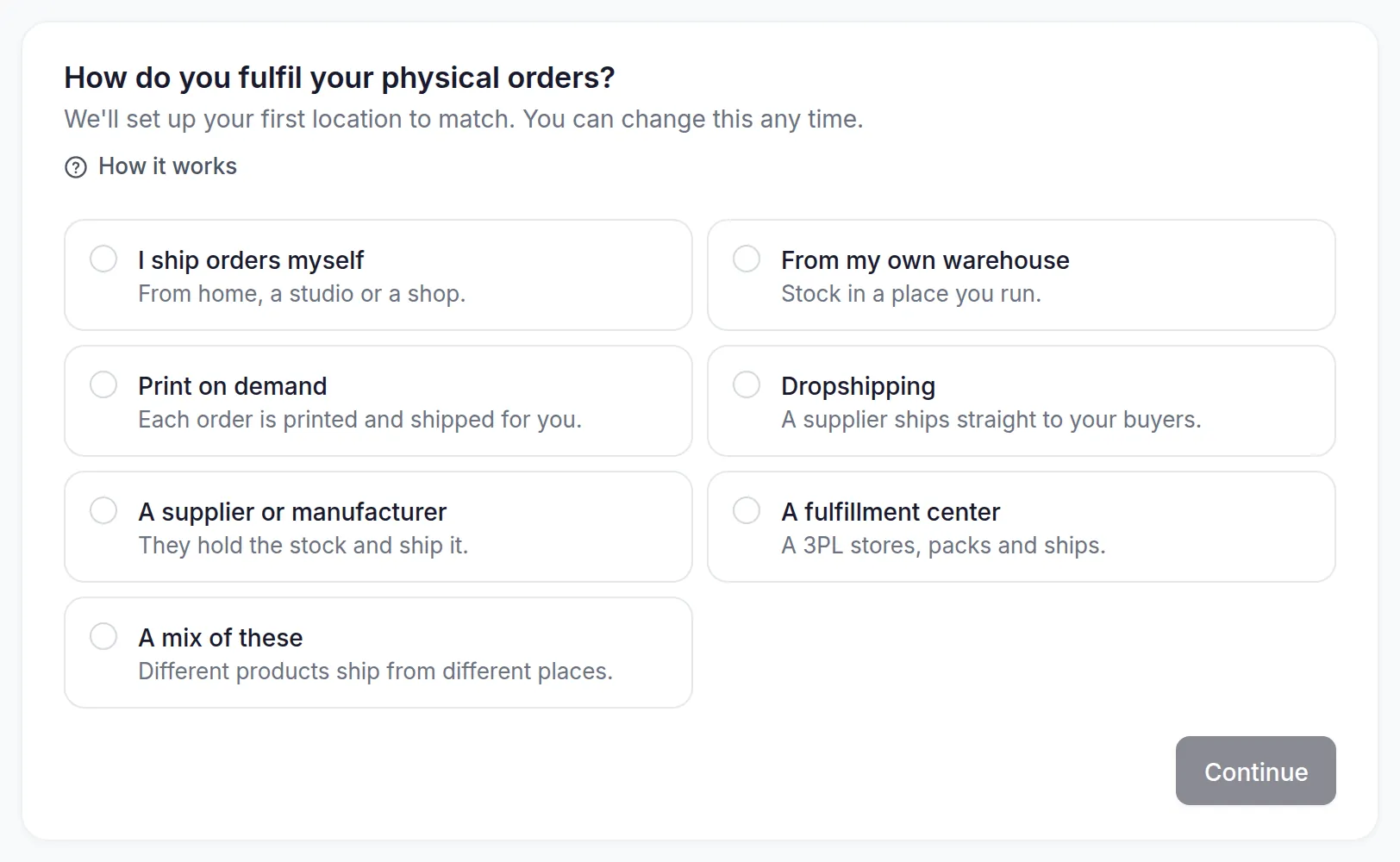
The store's answer
| Answer | What it means |
|---|---|
| I ship orders myself | From home, a studio or a shop. |
| From my own warehouse | Stock in a place you run. |
| Print on demand | Each order is printed and shipped for you. |
| Dropshipping | A supplier ships straight to your buyers. |
| A supplier or manufacturer | They hold the stock and ship it. |
| A fulfillment center | A 3PL stores, packs and ships. |
| A mix of these | Different products ship from different places. |
Change it any time under How you fulfil orders and press Save. The first time you answer, Storelib makes a location to match.
One product shipped another way
- Open the product, then Advanced, then Fulfilment.
- Turn on Fulfil this product differently.
- Choose I'll ship it myself, A fulfillment center (3PL), A supplier or manufacturer, or Print on demand.
- Pick the partner it ships from. For a new one, press New and type their name and the email address they want orders sent to.
- Save the product.
From then on, every paid order with this product is emailed to that address with the items, quantities, SKUs and the buyer's address. The email has a link where the partner adds the tracking themselves, and the buyer is emailed the moment they do. Partners live in Settings > Locations, so you can change their email there.
Printful, Printify, Gelato and CJ Dropshipping take orders directly once you connect them in Settings > Integrations, and send tracking back. ShipStation takes the orders you ship yourself. For any other partner, use the email address they give you. What each way looks like from order to door: the playbook.
Orders that mix methods
Sticker pack × 2
Hoodie, M / Black × 1
The order is sent to your print partner. Add their tracking when they ship it.
If one order has a hoodie printed on demand and stickers you post yourself, the order page shows two Unfulfilled cards, one per sender. Each gets its own Fulfill items and its own tracking, and the buyer gets an email for each parcel. The order shows Partially shipped until both are out.
More in Shipping and delivery
- Set up shipping: profiles, zones and rates
- Shipping zones: countries, states and Rest of world
- Shipping rates: every type, with real numbers
- Units and packages
- Local pickup
Related articles
- Integrations: analytics, pixels and fulfilment partnersAdd Google Analytics, Meta, TikTok and other pixels to your website, send orders to Printful, Printify or your own system, and see what's next.
- Ship your orders: from Unfulfilled to DeliveredWhat each order status means, how to fulfill items with tracking, send part of an order and print a packing slip.
- Set up shipping: profiles, zones and ratesWhere you ship and what it costs, set once in Settings > Shipping and delivery. One General profile covers every product.
- Shipping zones: countries, states and Rest of worldHow a zone picks up a buyer's address, how to ship to only some states, and what Rest of world covers.
Still stuck? Contact support and a person on the team replies by email. Selling on Storelib? Open a request from your dashboard.